
PilewiseDownload

Library

4 of 8 completed · 441.0 h

A sample library, not yours.

Inside the app

  1. All your games in one list

    Steam, Epic, GOG and Xbox in one table: what you've finished, how many hours you've played and which games you own twice. Can't decide what to play? Let Pilewise pick.
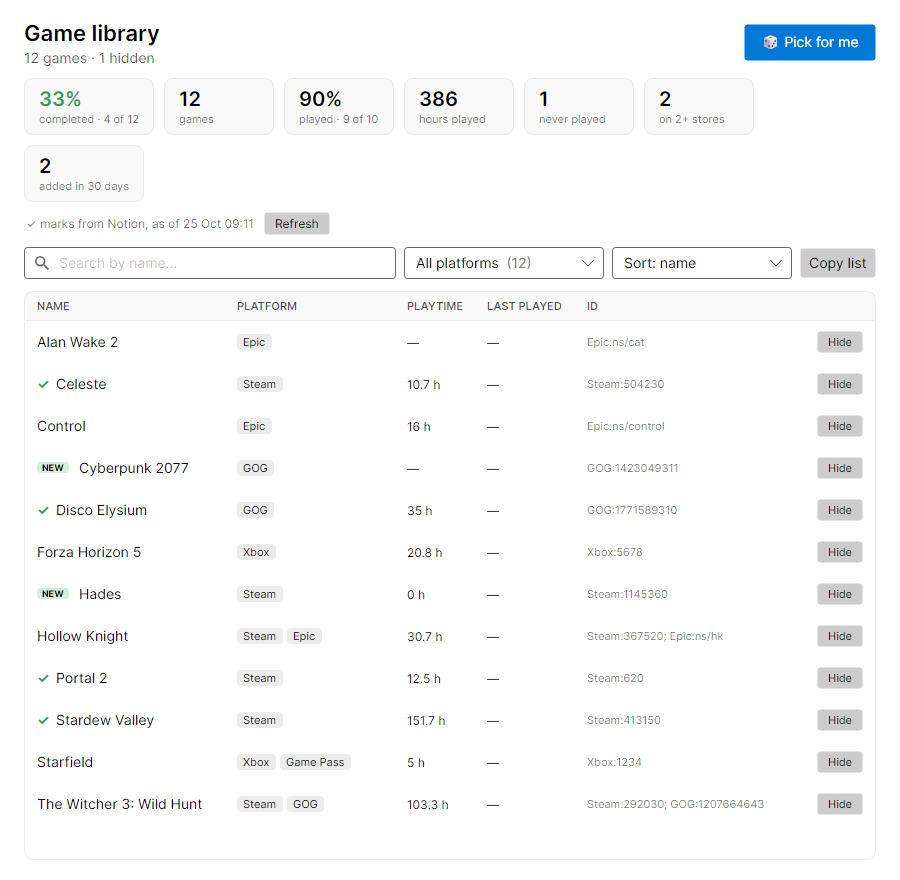
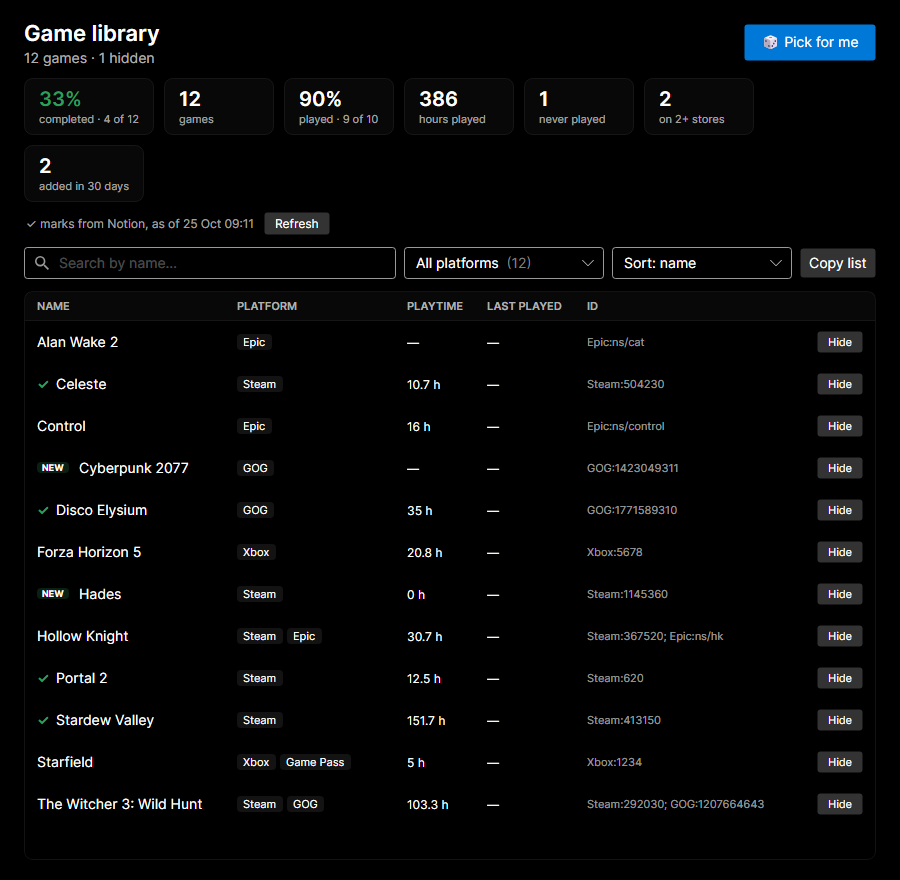
    The library: totals and twelve games from four stores.The library: totals and twelve games from four stores.
  2. Send it to your tracker

    Export to Notion, Google Sheets or a CSV file. Exports merge with what's already there, so your ticks, notes and extra columns stay.
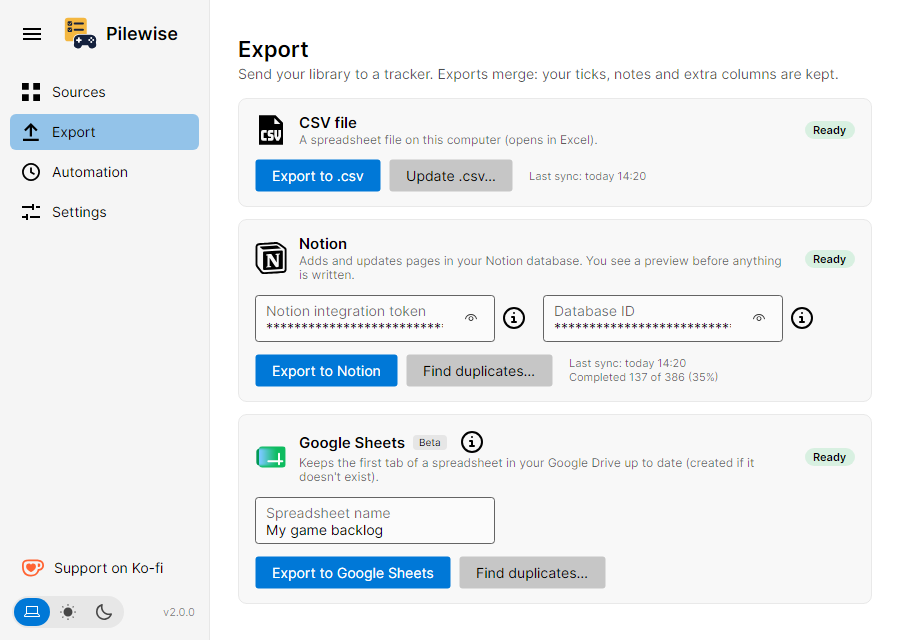
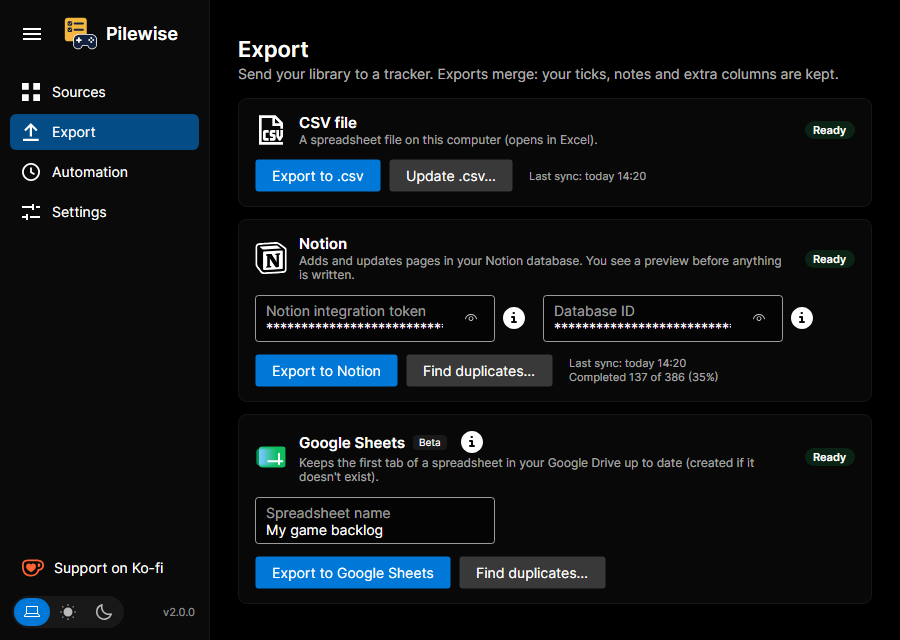
    The Export screen with CSV, Notion and Google Sheets.The Export screen with CSV, Notion and Google Sheets.
  3. See changes before they're saved

    Before writing to Notion, Pilewise shows what's new, what changed and what you no longer own. Nothing is written until you confirm.
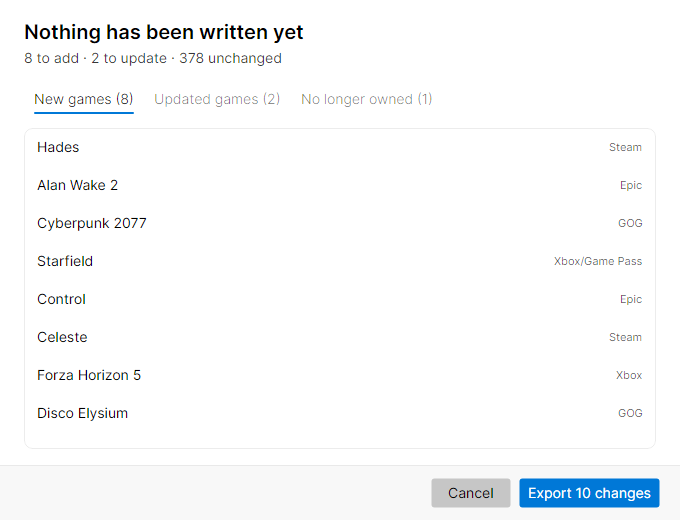
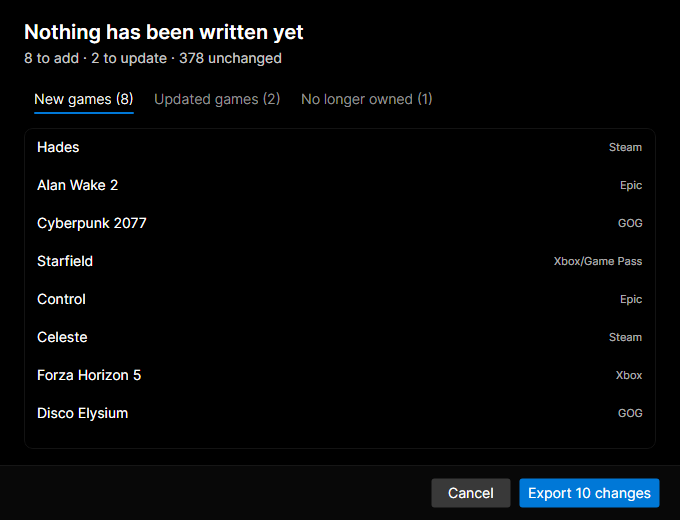
    Notion preview: 8 games to add, 2 to update.Notion preview: 8 games to add, 2 to update.
  4. Then it runs by itself

    Pilewise syncs on a schedule while it's open or in the system tray. Every run is logged in History.
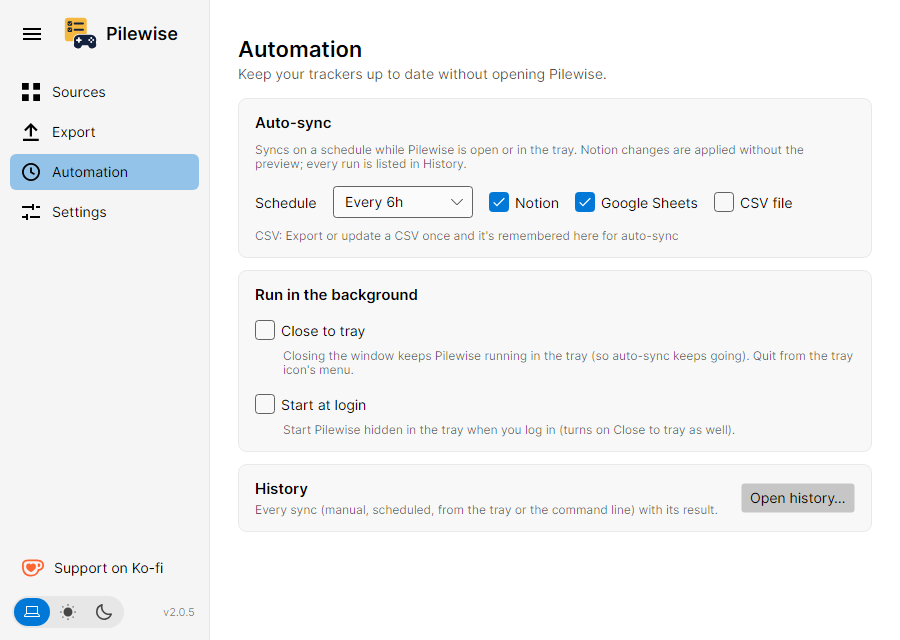
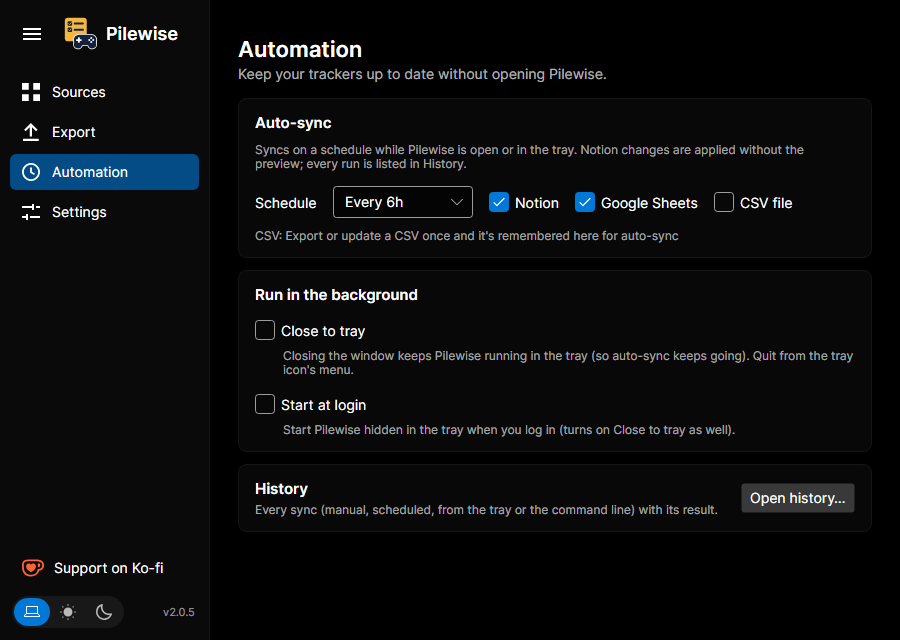
    The Automation screen: sync schedule, tray and history.The Automation screen: sync schedule, tray and history.

Exporting never erases your ticks

Your list goes to Notion, Google Sheets or a CSV file. You see every change before it is written, and games you already ticked as completed stay ticked.

My game backlog

12 to add · 3 to update · 120 unchanged

NamePlatformCompleted
HadesSteam · GOG
CelesteSteam
Outer WildsEpic
Hollow KnightGOG
A Notion preview, before anything is written. The line above the table shows how many games will be added, updated or left as they are. Existing ticks stay.

Your data. Your call.

You choose what to keep and where: a Notion database, a Google Sheet or a CSV file on your own disk. Pilewise has no server of its own.

  • You choose where

    Notion, Google Sheets or a CSV file. Untick a store and its games stay out.

  • No telemetry

    Nothing about you or your games is sent to the author.

  • No account

    There's nothing to sign up for. You connect with your own store logins and keys.

  • Encrypted on disk

    Store tokens are encrypted with DPAPI on Windows, Keychain on macOS and libsecret on Linux.

This computer

  • Library
  • Logs
  • Tokensencrypted
  • Author of Pilewise0 bytes

only when you connect it

What leaves your computer

Pilewise contacts a service only for the connections you turn on.

Privacy

How it works

  1. Connect your stores

    Steam

    Epic

    GOG

    Xbox

  2. Get one list

    HadesSteam · GOG

    Disco ElysiumSteam

    Stardew ValleySteam · Xbox

    Outer WildsEpic

  3. Check the changes

    12 to add · 3 to update · 120 unchanged

  4. Let it sync

    Pilewise --sync notion,sheets
How do I get my Steam, Epic, GOG and Xbox games into one list?

Connect your stores in Pilewise. A game you own in two stores becomes one row tagged with both. Untick a store to leave its games out.

Will Pilewise overwrite games I marked as completed?

No. If Notion, Sheets or your CSV already says Completed, Done, Finished or Beaten, as a tick or in a Status column, Pilewise leaves it as it is.

Does it delete games I no longer own?

No. Refunded or delisted games stay in your tracker. If you have an Owned column, its box is unticked, but the row stays.

Does my library leave my computer?

It is never sent to the author. Your library and logs stay on your computer. Pilewise contacts a store, Notion, Google or GitHub only to do what you asked.

How much does Pilewise cost?

Nothing. It's free and open source under the MIT licence. If it helps you, you can buy the author a coffee on Ko-fi.